Empower Your Team With Smart Transfers
Give your Dialora AI voice agent the power to transfer a call to a human the moment it matters most, no chaos, no call dropping, just seamless call transfers from AI to your team.

Why Call Transfer Belongs In Your AI Call Center
AI Answers First. Humans Step In When It Counts.

Most callers don’t need a ten‑minute conversation; they need fast answers and a clear next step.
Dialora handles repetitive questions, transferring to your team only when a human voice is needed.

Combine automation efficiency with human reassurance in a single call flow.
Never Miss A High-Value Call Again
- Cut first‑response time by letting AI pick up every call, then transfer your call to a real agent for complex issues or high‑value leads.
- Turn Dialora into an AI call center that screens, qualifies, and routes calls instead of flooding your team with every ring.
- Keep your business reachable 24/7 while still giving customers the option to reach a real person via simple phone call transfer.
How Call Transfers Work in Dialora
No PBX Wizardry. Everything Lives Where You Already Manage Your AI Agents.
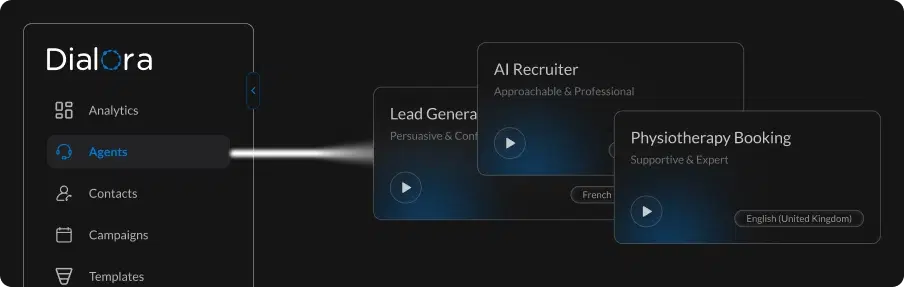
Choose the AI Agent That Will Transfer Calls
Go to the Agents section in your Dialora sidebar and pick the AI voice agent you want to enable for call transfers.
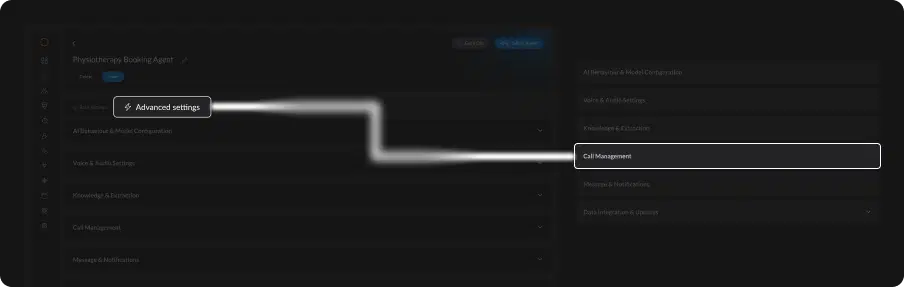
Open Call Management
Inside that agent, head to Advanced Settings and scroll down to the ‘Call Management’ area where transferring calls is configured.
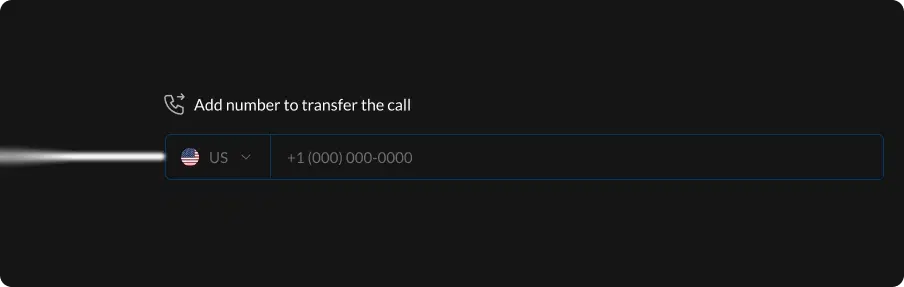
Add The Destination Number
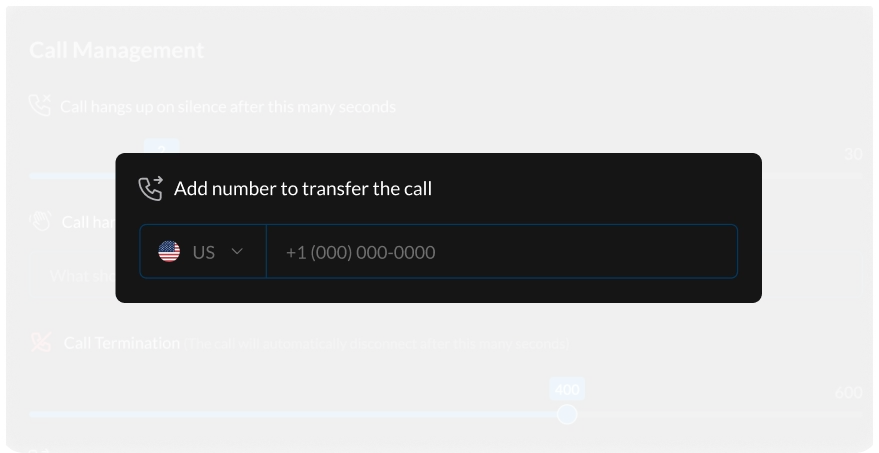
Click ‘Add number to transfer the call’, select the country code, & enter the destination number. Only cold transfers are supported, one number at a time.
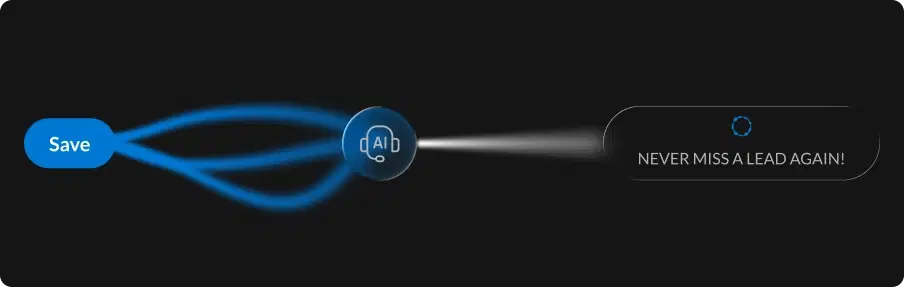
Save & Let Dialora Handle It
Hit Save. From that moment on, the AI exits and it will transfer phone calls to that number in real time.
Designed For The Way Your Team Already Takes Calls
Same Workflows. Smarter Front Line.
Let the AI answer, qualify, and then transfer a call directly to your closer when someone is ready to buy or book.
Keep FAQs and simple troubleshooting with the AI, and send only edge cases or unhappy customers to a live support rep.
Run AI call centers for multiple clients, using transferring calls to pass only hot leads or critical issues to client teams.
Tightly Integrated With Your AI Voice Stack
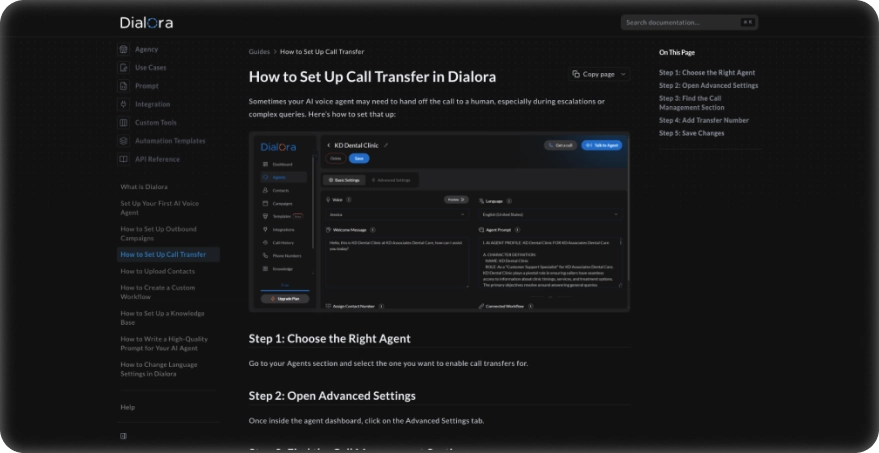
The call transfer guide lives inside Dialora’s documentation hub, alongside playbooks for uploading contacts, designing workflows, and connecting your CRM. From that same hub you can explore pricing, use cases, blog articles, and legal or compliance resources to see how call transfers fit into your full AI call center strategy.
FAQs
A blind transfer (also called a cold transfer) sends the caller straight to another line or agent without any introduction or context, so the receiving person starts the call “cold.” A warm transfer briefly places the caller on hold while the first agent talks to the second agent, shares key details, and then connects the caller so the conversation picks up with full context.
Need help wiring in call transfers?
Reach out via support email, connect on social, or join the Dialora Discord community for tips from other power users, agencies, and partners.